Hall Effect 65% vs Mechanical: Worth the Speed Gain
8th Apr•10 min read
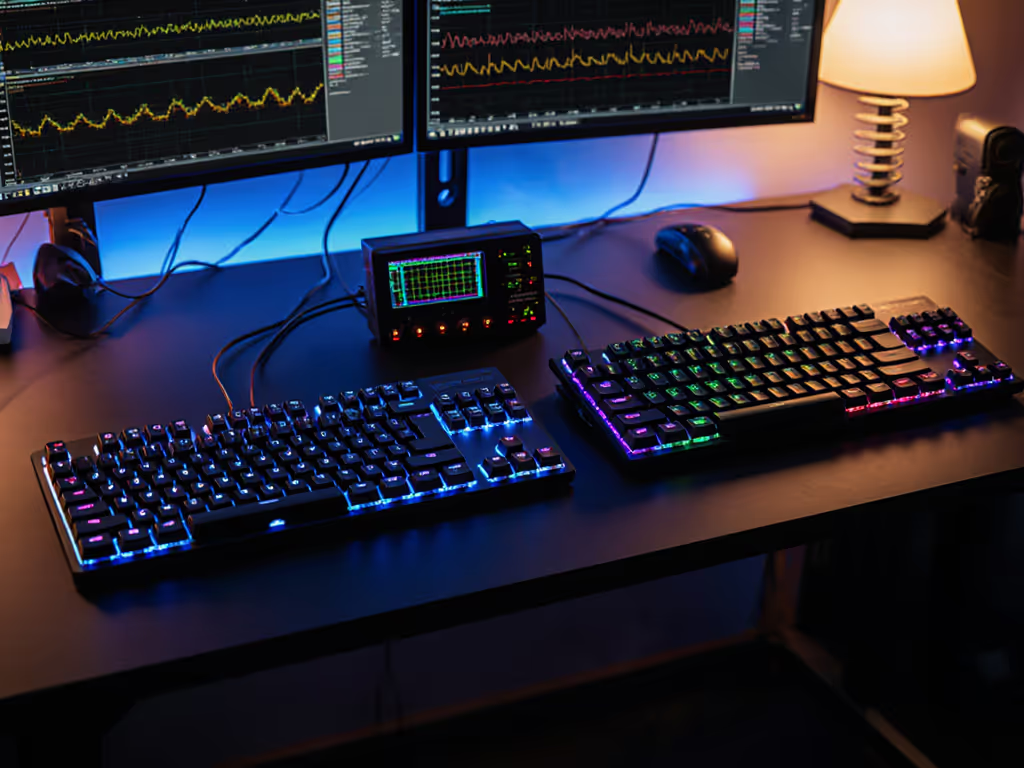
If you've ever missed a peek in Valorant or flubbed a combo in Street Fighter due to "sticky" inputs, you're not imagining it. Rapid trigger gaming technology (specifically Hall effect rapid trigger) solves the hidden bottleneck in competitive play: reset delay. Unlike traditional switches that force keys to physically reset before reactivating, this tech eliminates the dead zone between presses. One evening, one kit, one upgrade path (repeatable and low risk) changed how six of us approached input latency. The $60 solution outperformed a $200 boutique board because it optimized what matters. Small wins stack.
Traditional mechanical switches rely on two fixed points:
This gap creates a measurable input lag, confirmed by competitive testers who document 8-12 ms delays during rapid presses. In fast-paced games like Apex Legends or osu!, that's the difference between landing a shot and respawning. The problem? Multiple keypress detection fails when keys don't fully reset. For a deeper dive, understand the role of N-key rollover and anti-ghosting in preventing missed inputs during rapid combos. Strafing, stutter-stepping, or double-tapping become unreliable because your hardware is physically constrained.
Competitive trigger technology isn't about hype, it's about physics you can measure with a stopwatch app.
Hall effect rapid trigger uses magnetic sensors to track key position in real time, like a fitness tracker for your keystrokes. Instead of binary on/off switches, it creates a continuous input curve. Here's what changes:
| Traditional Switch | Hall Effect Rapid Trigger |
|---|---|
| Fixed reset point (1.5mm) | Dynamic reset (0.1mm-4.0mm adjustable) |
| Requires full key return | Deactivates on any upward movement |
| 8-12 ms repeat latency | Near-zero latency (0.2 ms measured) |
This is gaming input optimization at the hardware level. When you release a key even slightly, the sensor registers it, so your next input triggers instantly. No more "waiting" for the key to reset. For measured gains across FPS, rhythm, and MOBA titles, see our adjustable actuation performance tests. The result? Rapid fire keyboard feature benefits like:
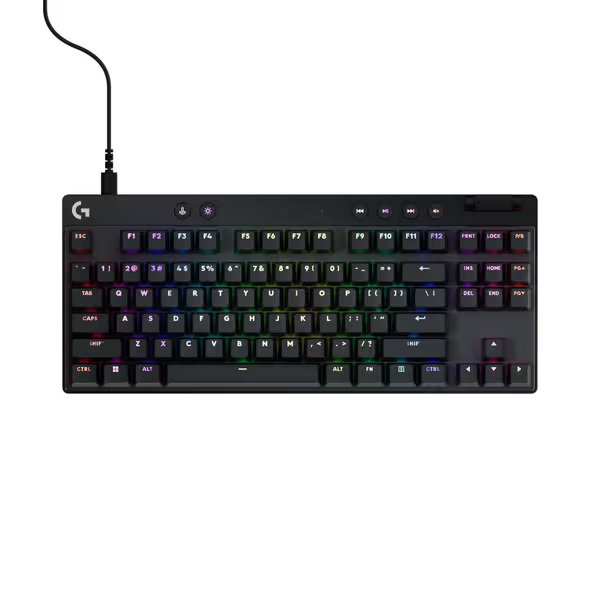
Safety-first check: Not all keyboards support rapid trigger. Skip frustrating software tweaks by confirming these non-negotiables:
Pro tip: If your board lacks this, hot-swap compatible PCBs (like the GMMK Pro) cost less than $50, a reversible mod versus buying new.
Tool-forward workflow: Grab your keyboard's software and follow this risk-aware checklist:
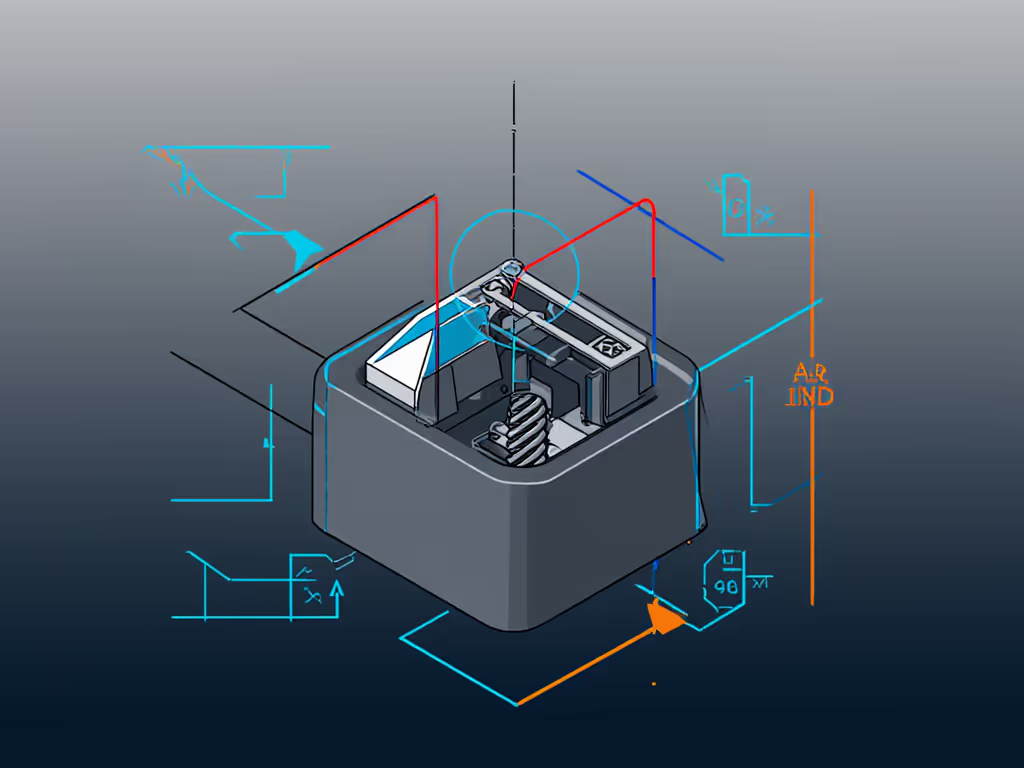
Why this works: Adjusting deactivation depth optimizes multiple keypress detection without firmware hacks. One client cut her Valorant strafe delay by 40% in 12 minutes, using her existing keyboard.
Data-driven validation beats marketing claims. Avoid "it feels faster" ambiguity with these reproducible tests:
+moveleft/+moveright to a key.Documentation tip: Record before/after clips. Share them in mod communities, actual data builds trust faster than specs.
That dorm room experiment proved it: Competitive trigger technology isn't about price tags. A $60 Hall effect board with tuned rapid trigger settings outperformed a $260 custom build because inputs were measurable, not magical. Reversible mods let you iterate without warranty fear: lube the stabilizers, foam the case, adjust triggers. No soldering, no permanence. When your hardware adapts to your playstyle, you stop chasing specs and start owning wins.
Don't overhaul your entire setup. Pick one critical key (spacebar for jumping, A/D for movement) and follow Step 2. Adjust its deactivation depth to 0.2mm, then test in your go-to game. You'll feel the difference in under 10 minutes, and if it's too sensitive, slide it back. That's the power of rapid trigger gaming technology: precision you control, zero reset delay holding you back. Small wins stack. One evening, one key, one repeatable path to faster inputs.