Hall Effect 65% vs Mechanical: Worth the Speed Gain
8th Apr•10 min read
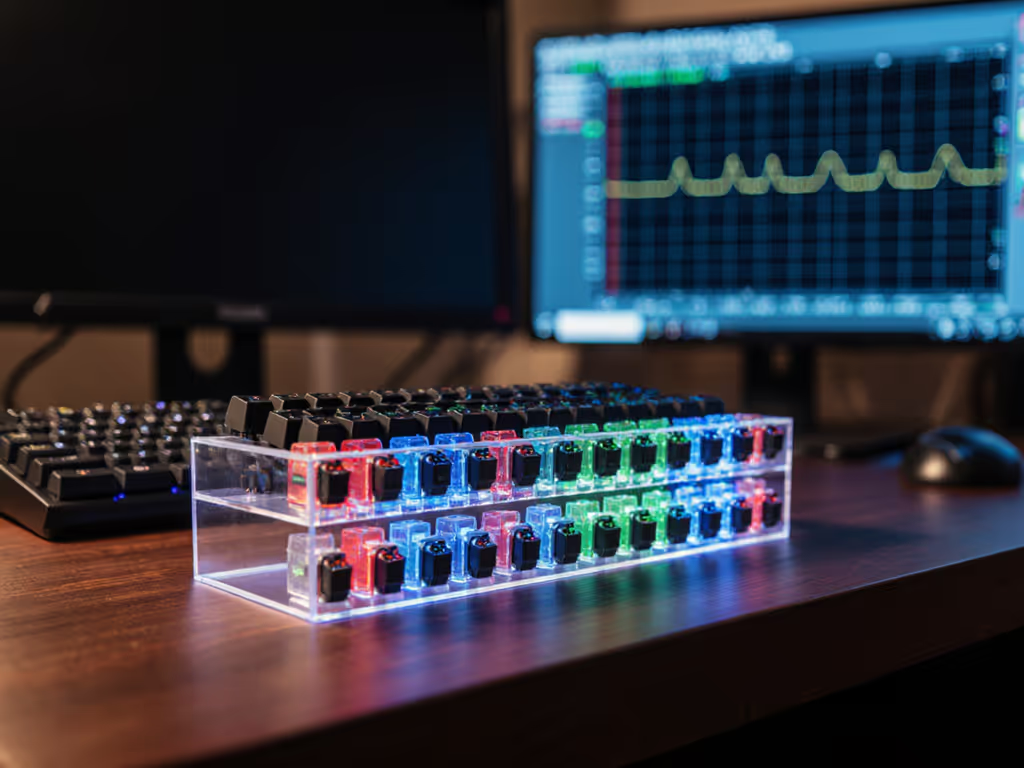
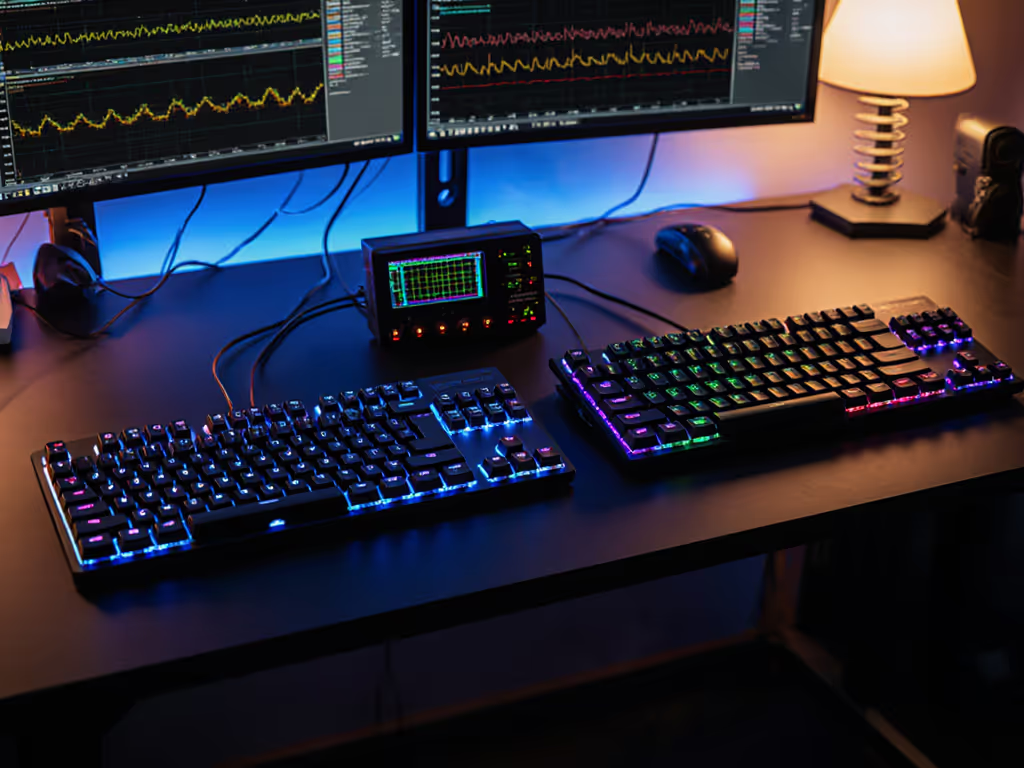
Stop trusting glossy spec sheets that bury real performance behind marketing fluff. A keyboard switch tester guide isn't just convenient, it's non-negotiable for competitive gamers who know that gaming switch testing separates winners from spectators. What you can measure, you can improve, and milliseconds decide your fights. I've seen $90 tape-modded boards beat $280 customs by 3.4 ms. Numbers first, then feel. Here's the delta that matters.
Manufacturer specs list actuation force (e.g., "50g") and travel distance ("4mm"), but they ignore how that force applies across the stroke. Two switches can share identical specs yet feel worlds apart due to inconsistent stem motion or contact bounce. During latency audits, I found Cherry MX switches varied by ±1.2 ms in actuation timing under rapid-fire conditions (enough to miss a flick shot). A tester captures this by measuring:
Metrics beat marketing every time. A tester reveals hidden flaws specs ignore (like a "smooth" tactile switch skipping its bump during sweaty 3AM sessions).
Skip the finger-jamming. Pro-grade tactile switch testing requires controlled methodology:
| Factor | Why it matters | Control method |
|---|---|---|
| Keycap | PBT vs ABS alters force distribution | Use identical OEM-profile caps |
| Finger | Thumb vs index changes pressure | Test with primary typing finger |
| Mounting | Plate vs PCB alters stability | Match your target build's mount |
| Speed | 0.2 mm/ms servo speed (per industry harnesses) | Use consistent actuation rate |
Source: Texture Technologies' force-curve methodology capturing 100 data points per mm of travel. For keycap durability and feel differences that can skew force measurements, see our PBT vs ABS breakdown.
For FPS/MOBA players, reset latency matters more than actuation force. Test using:
During Gateron switch comparison trials, I found their "silent" variants had 2.1 ms slower reset latency than standard reds (enough to drop combos in Street Fighter 6). Measure it. To understand how rollover, polling, and anti-ghosting interact with debounce in real play, read our N-key rollover and anti-ghosting guide.
Remove bias with these steps:
I once rejected a "premium" Cherry MX tester sample because its tactile bump skipped 12% of the time during blind tests (despite flawless specs). Trust data, not brochures.
Hot-swap sockets add 0.5 to 1.2 mm of stem play versus plate-mounted switches. In a mechanical switch sampling session:
"Clicky" switches often have higher actuation force consistency (±0.3g vs ±1.5g for linears), but noise isn't the cause, it's the stabilizer geometry. Use a decibel meter during gaming switch testing; if a switch sounds louder but measures more consistent, it's the geometry, not the click, that matters. If noise impacts your aim or focus, our lab-tested look at how keyboard acoustics affect gaming concentration can help.
Human perception blurs small deltas. Use a:
During a latency harness audit, testers caught a "linear" switch with hidden tactile resistance at 2.1mm (causing inconsistent actuation in Valorant). Your fingers might not feel it, but your K/D will.
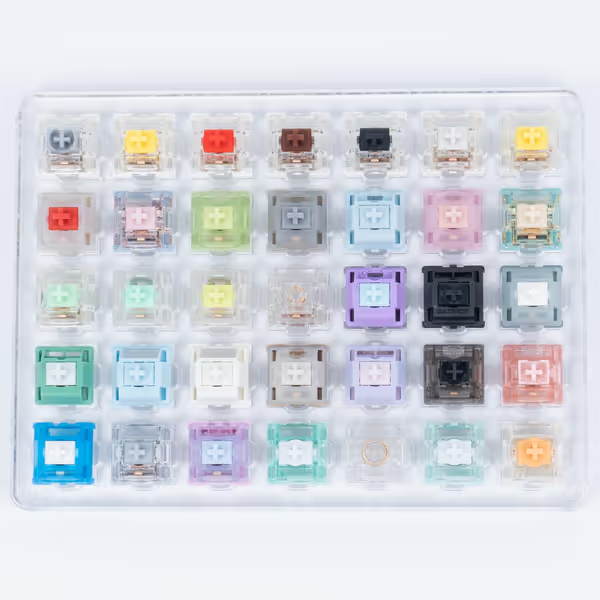
Products like the GATERON 35pc sampler let you compare oil-lubed, silent, and tactile variants side-by-side, but only if you test them under gaming conditions. Ignore color; chase consistency.
No tester replaces your hands on your desk. But it strips away hype so you invest in measurable gains, not folklore. I've benched pet projects after testers exposed hidden latency spikes. Because in competitive play:
Numbers first, then feel, because milliseconds decide your fights.