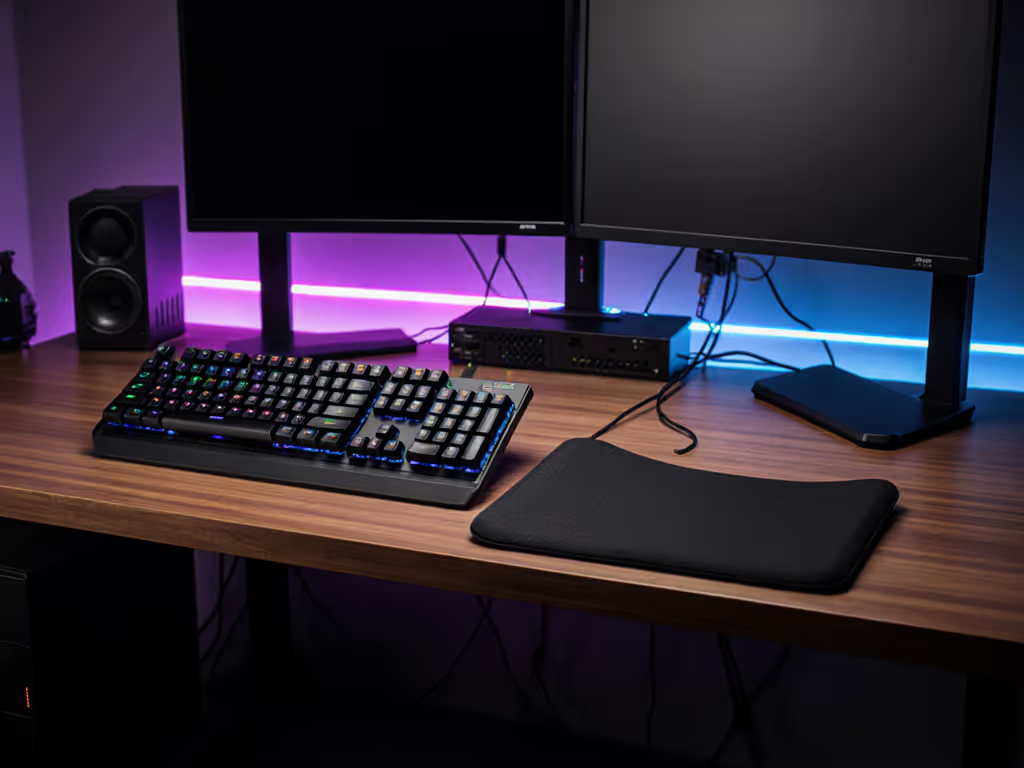
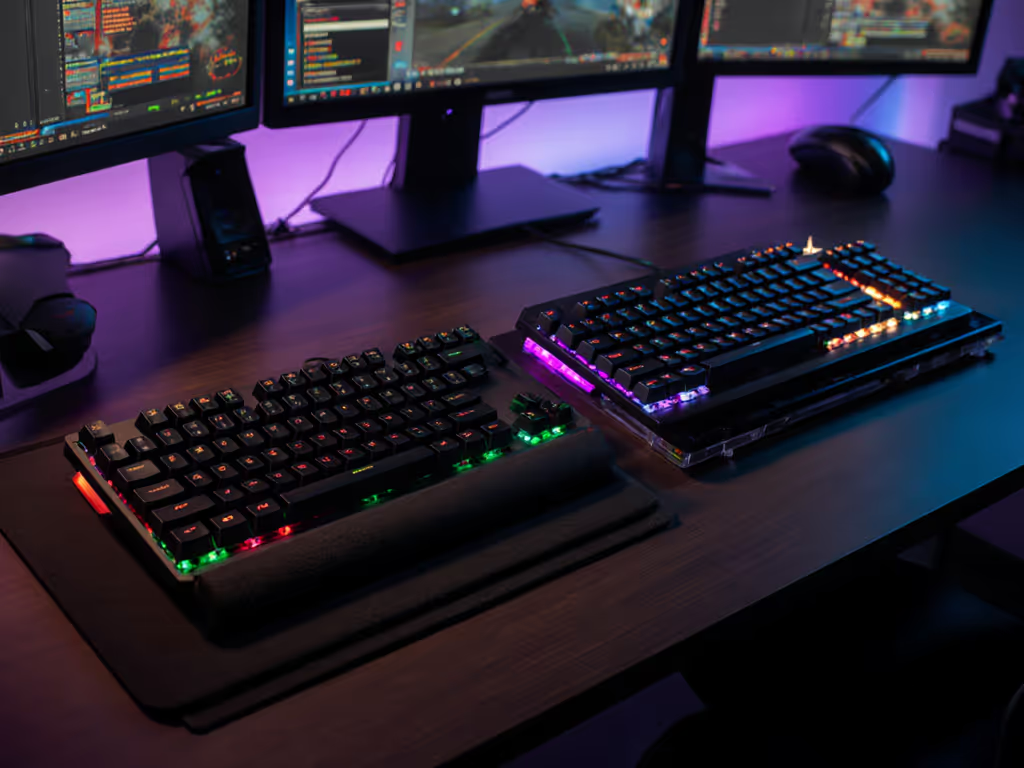
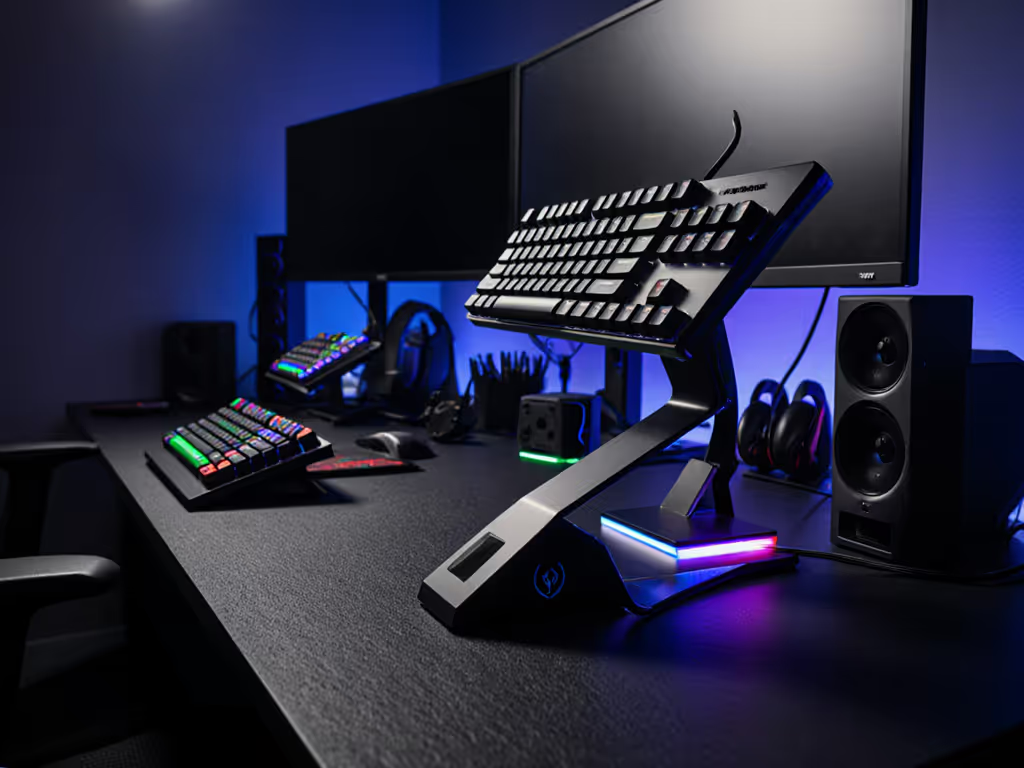
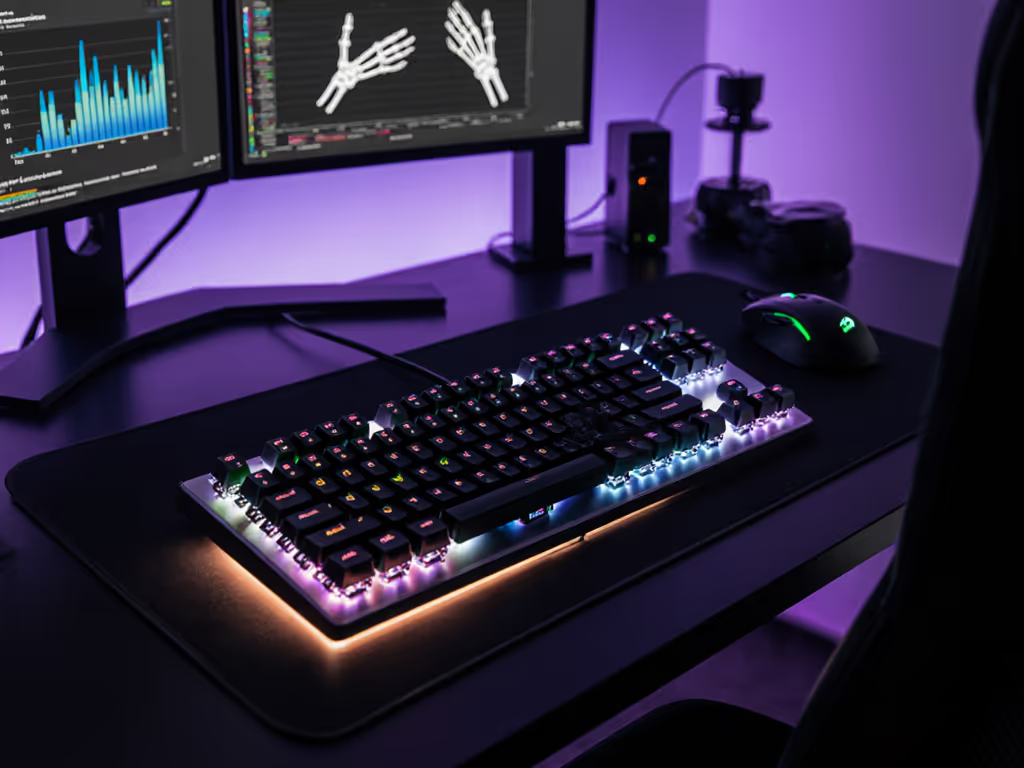
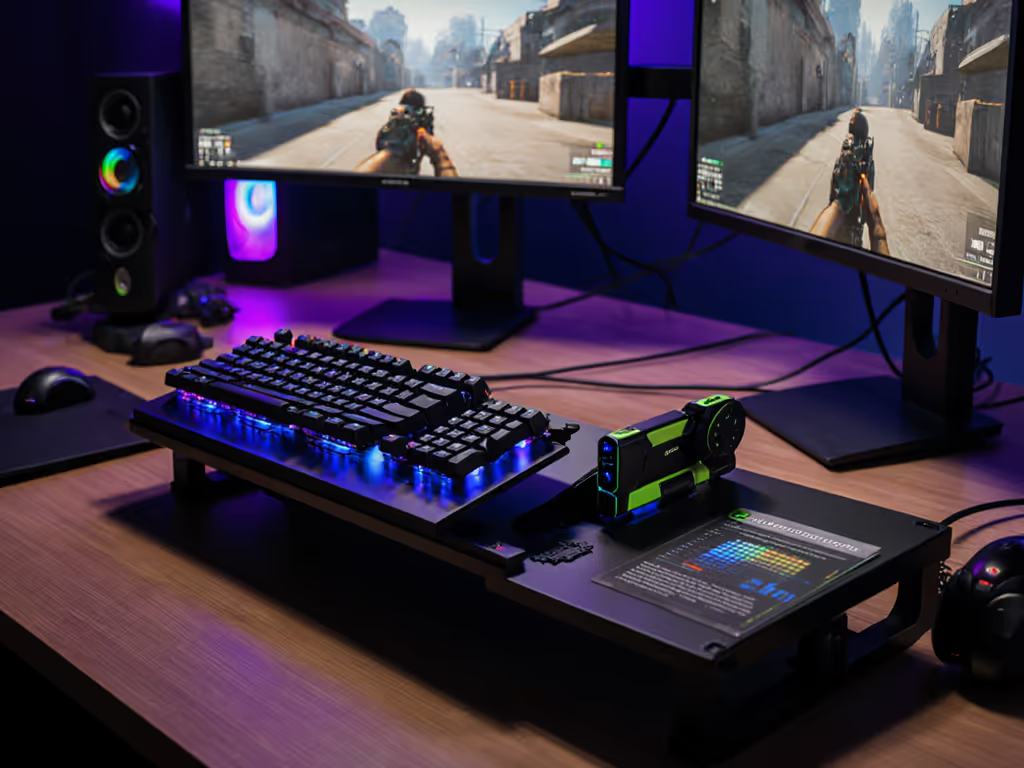
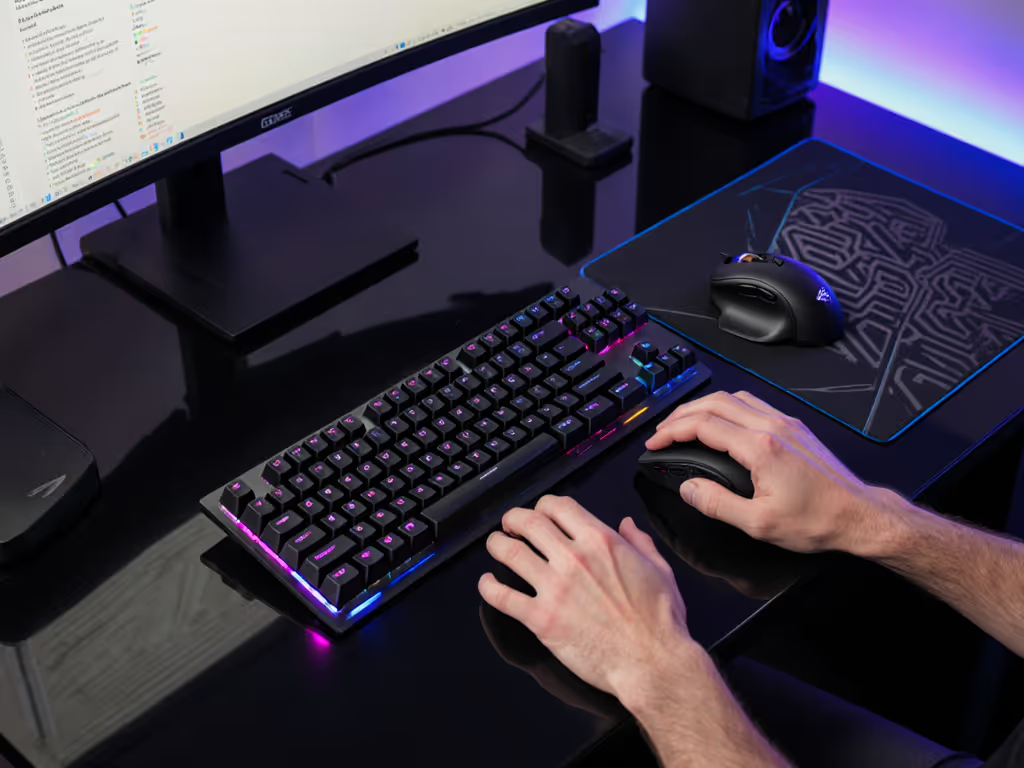
The choice between gasket mount and tray mount keyboards significantly impacts gaming performance, acoustics, and long-session comfort. Gasket-mounted boards use elastic dampeners to suspend the plate, offering softer keystrokes and superior noise reduction, ideal for late-night sessions or shared spaces. Tray-mounted designs secure the PCB directly to the case with screws, delivering a stiffer, more immediate response favored in budget-friendly builds. For competitive gaming, each style presents trade-offs between tactile feedback, sound profile, and cost efficiency.
1. Structural Breakdown: Core Differences
Tray Mount (Entry-Level Standard)
- Mechanism: PCB screwed directly into the bottom case.
- Feel: Uniformly stiff keystrokes with minimal flex.
- Gaming Impact: Direct key registration but increased finger fatigue during extended sessions—see our ergonomic gamer keyboard guide for wrist relief strategies.
- Typical Cost: <$50
Gasket Mount (Premium Performance)
- Mechanism: Plate suspended via rubber/silicone gaskets between case halves.
- Feel: Cushioned depression with slight rebound; reduces bottoming-out force by ~30%.
- Gaming Impact: Enhanced comfort for marathon sessions, though some pros prefer the tactile precision of stiffer mounts—our linear vs tactile switches verdict explains why.
- Typical Cost: $80-$200
2. Sound Profile: Silence vs Acoustic Feedback
| Feature | Tray Mount | Gasket Mount |
|---|
| Acoustics | Higher-pitched "clack" | Deeper "thock" |
| Stabilizer Rattle | More pronounced | Damped by gaskets |
| Environment Fit | Noisy for streams/dorms | Ideal for noise-sensitive spaces |
Gasket mounts absorb switch vibrations, reducing overall dB levels by 15-20% compared to tray equivalents. This makes them preferable when silent operation is critical.
3. Stability and Input Consistency
- Tray Mount: Screw placements create uneven flex zones, firmer near screws and softer centrally. This can cause slight input variance during rapid keypresses. For a deeper look at key registration technology and why it matters for consistency, see our N-key rollover and anti-ghosting guide.
- Gasket Mount: Uniform cushioning ensures consistent key feel across all positions. No "hotspots" during WASD-intensive gameplay.
Competitive FPS players prioritizing millisecond-level consistency may prefer tray mounts for their immediate bottom-out, while RPG/MMO gamers benefit from gasket comfort during 8+ hour sessions.
4. Modding Potential: Upgrading Your Experience
Tray Mount Mod Path (<$20, 30 Minutes)
- Case Foam: Reduces echo for ~$5 (cut shelf liner to size).
- Switch Films: Stabilizes wobble; costs ~$10.
- Lubed Stabilizers: Eliminates rattle; uses $3 dielectric grease.
Gasket Mod Limitations
- Predominantly factory-engineered; fewer reversible tweaks.
- Aftermarket gaskets (~$15) may soften feel further, but risk over-compression.
Start here, not everywhere: Begin with tray mods before investing in gasket boards. If you plan to experiment with different switches, consider hot-swap gaming keyboards for solder-free customization.
5. Gaming Verdict: Context Matters
Choose Tray Mount If:
- Budget is primary concern
- You prefer tactile, immediate key feedback
- Modding simplicity is essential
Choose Gasket Mount If:
- Noise reduction is critical (dorms/streams)
- Comfort during 4+ hour sessions is a priority
- You value deep, consistent acoustics
For ~$80, some entry-level gasket boards demonstrate the benefits without boutique pricing, although stabilizers may need tuning.
Actionable Next Step: Test Before Committing
Simulate gasket feel on your current tray board:
- Remove case screws (5 minutes).
- Insert 2mm PORON foam between plate and PCB ($8).
- Reassemble without overtightening screws.
This reversible mod approximates gasket flex at 1/10th the cost. Measure latency changes using a browser-based typing or reaction tester. For context on how connection type affects response, see our wired vs wireless latency tests.