Gaming Keyboards for Rehabilitation: Medical vs Consumer
19th Feb•9 min read
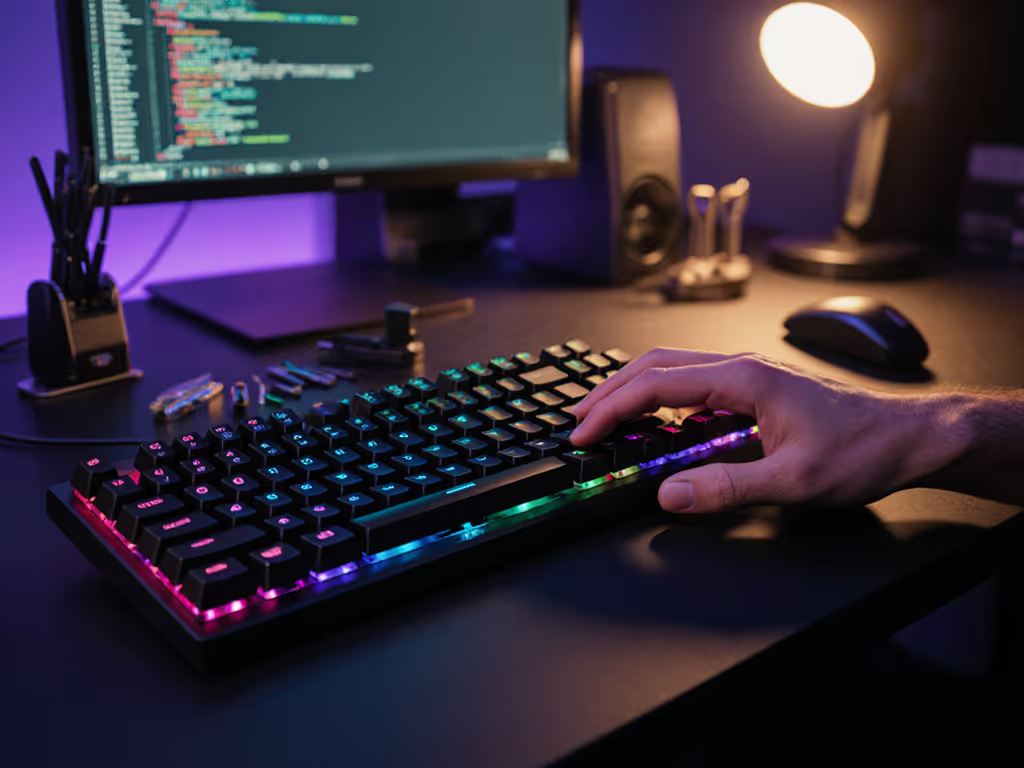
What happens when you love alternative keyboard layouts for gaming but can't overcome the control scheme chaos? You're not alone. Many serious gamers who use Dvorak face a frustrating reality: the very layout that reduces wrist fatigue during typing becomes a liability in competitive play. In this article, we'll cut through the hype and show you how to leverage Dvorak gaming performance advantages without sacrificing your ranked climb. Small wins stack.
Most Dvorak enthusiasts quickly discover a troubling disconnect: while the layout significantly reduces pinky strain and finger travel during typing (studies suggest up to 40% less finger movement than QWERTY), it creates a new problem for gaming. The W-A-S-D movement cluster transforms into a disjointed Comma-A-O-E configuration that feels unnatural, disrupts muscle memory, and introduces lag in critical moments.
According to documented user experiences, Dvorak typists who game face three specific pain points:
The irony is palpable: a layout designed to prevent repetitive strain injuries (RSIs) can actually cause new strain patterns when switching between work and gaming contexts. One evening, one kit, one upgrade path (repeatable and low risk). This isn't about abandoning Dvorak; it's about smart integration.
Let's examine what the numbers say about Dvorak in gaming contexts.
| Factor | QWERTY | Dvorak | Impact for Gamers |
|---|---|---|---|
| Home row usage | 32% | 67-70% | ✅ Reduced finger travel for typing |
| Common letter combinations | Suboptimal | Optimized (th, gh, ou) | ✅ Less fatigue during typing |
| WASD movement efficiency | ✅ Optimal | ❌ Disrupted (becomes ,A-O-E) | Critical gaming disadvantage |
| Standard game compatibility | ✅ Universal | ❌ Requires remapping | Major friction point |
Research confirms Dvorak's typing efficiency advantages, placing approximately 70% of keystrokes on the home row versus QWERTY's 32%, but gaming represents a different biomechanical challenge. While Dvorak users report 20% faster typing speeds and reduced typing fatigue, these benefits don't directly translate to gaming scenarios where specific key clusters matter most.
The adaptation period for gaming with Dvorak (a critical factor for competitive players) typically ranges from 2-6 weeks of deliberate practice. This gaming layout adaptation period varies significantly based on prior dexterity and the specific games you play. First-person shooters present the toughest challenge, while turn-based or strategy games offer more forgiving transition paths.
Small wins stack. You don't need to choose between ergonomic typing comfort and gaming performance.
Instead of forcing Dvorak into gaming contexts or abandoning it entirely, implement this step-by-step solution pathway that takes under 45 minutes and requires no permanent modifications.
Most modern gaming keyboards and firmware (like QMK/VIA) support multiple layers. This is your secret weapon. Rather than fighting your operating system's keyboard layout settings, create a dedicated gaming layer that temporarily reverts to QWERTY functionality.
This approach gives you the best of both worlds: Dvorak for typing comfort and QWERTY for gaming precision. Crucially, it's completely reversible (no registry edits or system-level changes that could cause compatibility headaches).
For gamers using Dvorak who still want some ergonomic benefits during gaming, strategic modifier placement makes a dramatic difference:
I've found placing Space on the right thumb and Enter on the left creates a balanced hand position that reduces reach strain while maintaining gaming performance. This is especially valuable for ergonomic gamer keyboard setups where case angle and height already support better wrist positioning.
Rather than attempting an all-or-nothing switch, implement this progressive adaptation:
This measured approach respects the gaming layout adaptation period while minimizing frustration. Track your progress with a simple spreadsheet noting mistakes, reaction times, and comfort levels. Small, steady improvements compound.
If Dvorak proves too disruptive for your gaming workflow, consider these intermediate options that offer ergonomic benefits without complete layout overhaul:
Each offers different tradeoffs between typing efficiency and gaming compatibility. For pure gaming applications, a standard QWERTY layout with improved ergonomics (tenting, negative tilt, split design) often delivers better results than forcing non-standard layouts into gaming contexts. If you're considering a split board for comfort, see our best split mechanical keyboards for gaming recommendations.
Before you head to your next match, run through this quick verification:
This five-point verification ensures you maintain all typing benefits of alternative keyboard layouts for gaming without sacrificing competitive edge.
Don't wait for wrist pain to dictate your next move. This afternoon, spend just 20 minutes creating your gaming layer. Most modern keyboards with VIA or QMK support this functionality out of the box (no soldering, no permanent changes). If you notice input delay, tune your keyboard firmware for optimal polling rate and latency before testing.
Document your starting point: take a 1-minute typing test in your current setup, then time how long it takes to execute common gaming commands. After implementing your gaming layer, repeat these tests. The data doesn't lie, and your hands will thank you for implementing this low-risk, high-reward solution.
Small wins stack toward sustainable performance. By addressing pinky strain at its source while maintaining competitive gaming functionality, you're not just solving today's problem, you're building a foundation for thousands of future gaming hours without pain.