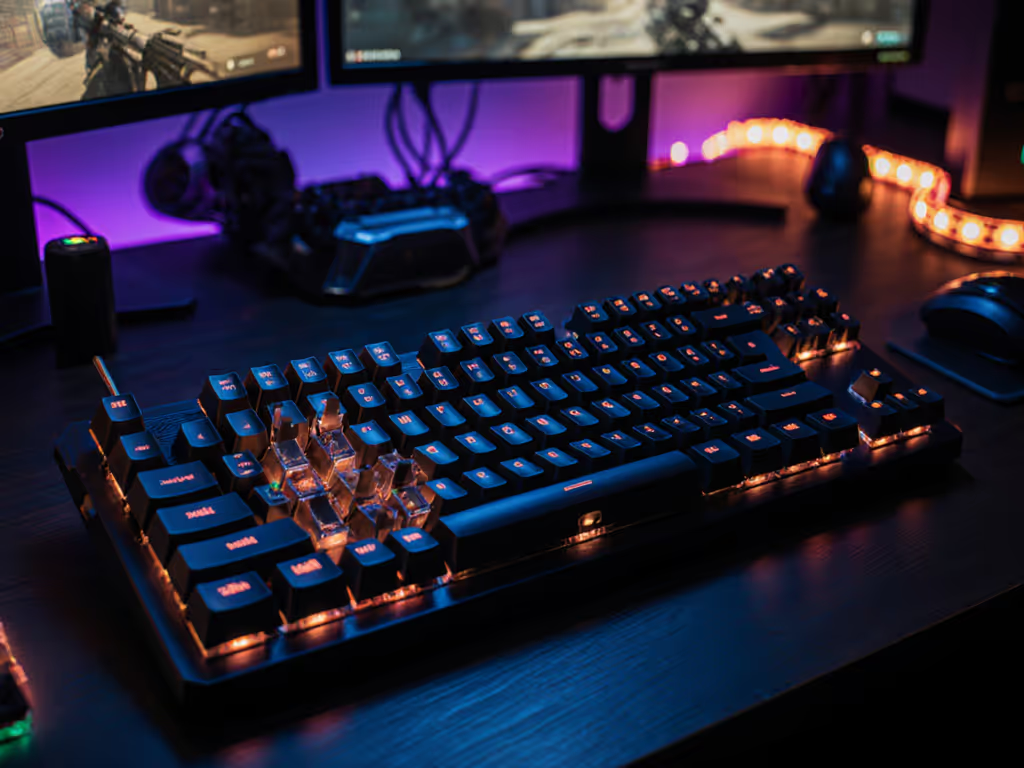
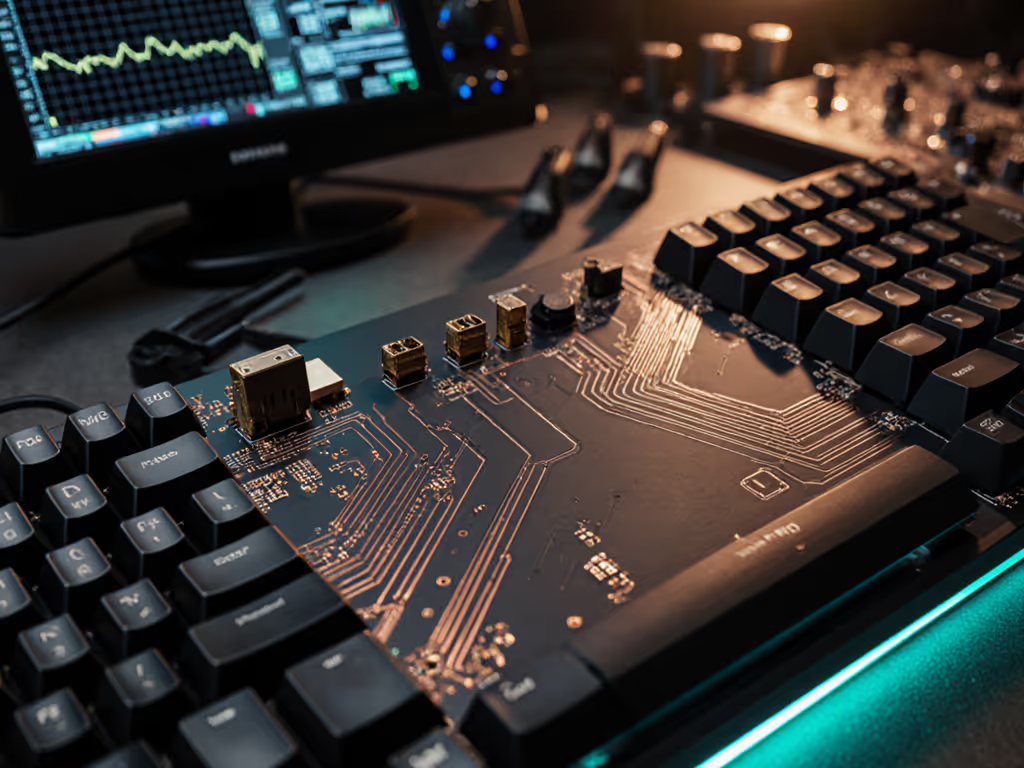
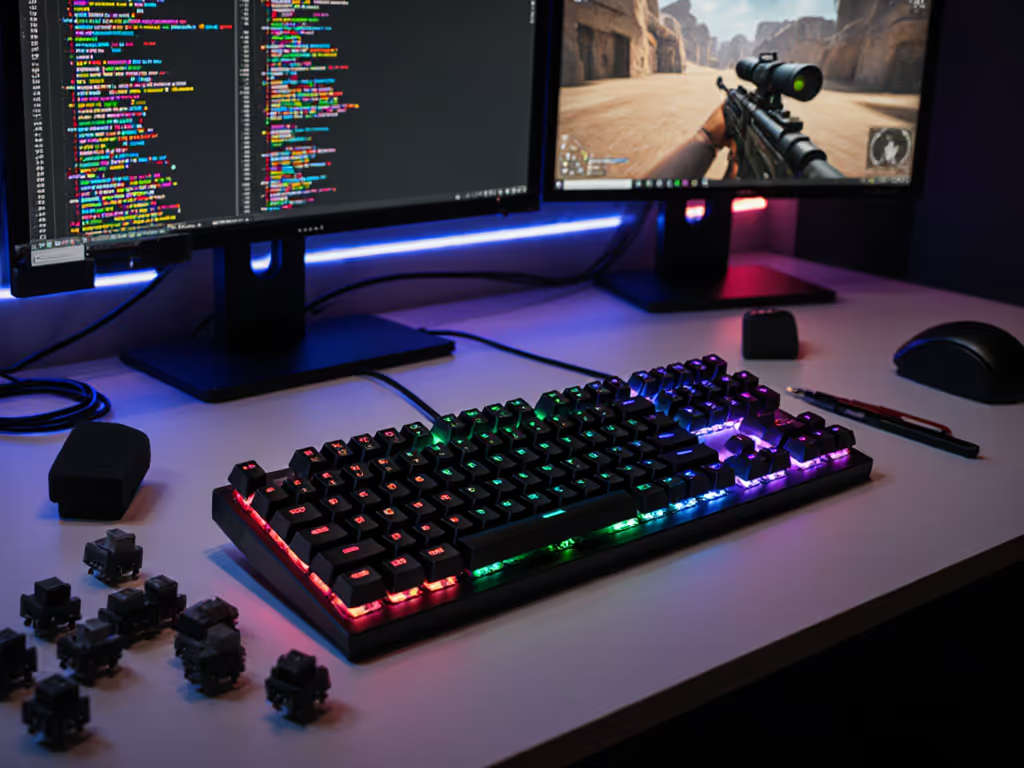
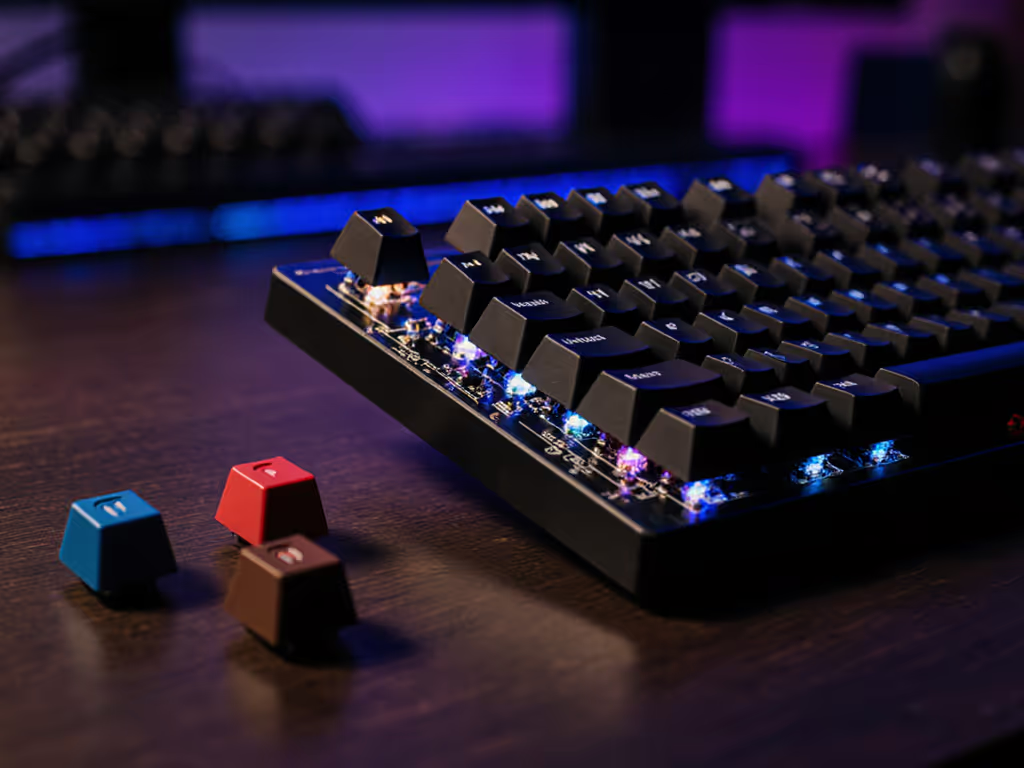
South-facing doesn't lower latency, but it improves Cherry-profile compatibility, feel consistency, and acoustics; pick north-facing if bright legends matter.
Find the sweet spot for gamer-coders: choose the right layout, reliable macros, mid-profile switches, and simple tuning to boost performance per dollar.
Learn how built-in and separate wrist rests affect fatigue, fit, and durability, with clear tests and tips to fine-tune support and boost long-session comfort.
Tune keyboard acoustics to each genre to sharpen reactions and sustain focus. Get frequency ranges, per-genre guidance, and stepwise tests to reduce fatigue.
See how quiet mechanical keyboards stack up in latency and stability, with tested picks and tuning tips - G515 for plug-and-play, K1 Max for budget modders.
Skip hype; buy for measurable gains. Testing shows where millisecond ROI counts, with Q5 HE the standout value and low-cost mods beating pricier boards.
Learn how to tune adjustable actuation for FPS, rhythm, and MOBA play to boost precision and cut wrist fatigue, with data-backed ranges and ergonomic tips.
Learn how magnetic analog switches boost consistency and control in competitive play with per-key actuation tuning, rapid trigger, and chatter-free inputs.
Learn how south-facing PCBs improve keycap fit, reduce stem friction, and enhance consistency and comfort, plus when RGB brightness favors north-facing designs.
Get RTS-ready with data-backed keyboard picks and tuning tips - prioritize macro reliability, layout efficiency, switch stability, and firmware tweaks.
Learn how stabilizers turn wobble into reliable inputs, why tension and design matter for fatigue-free gaming, and simple tests to diagnose inconsistent keys.